
What is Quadro Investissement used for?
Most projects don’t fail because of a lack of money—they fail because of a lack of
decision. People tell themselves, “One day, I’ll invest,” without ever setting a specific amount, choosing a project, or defining the
steps. Quadro Investissement is designed to help you make that decision—and then stick to it.
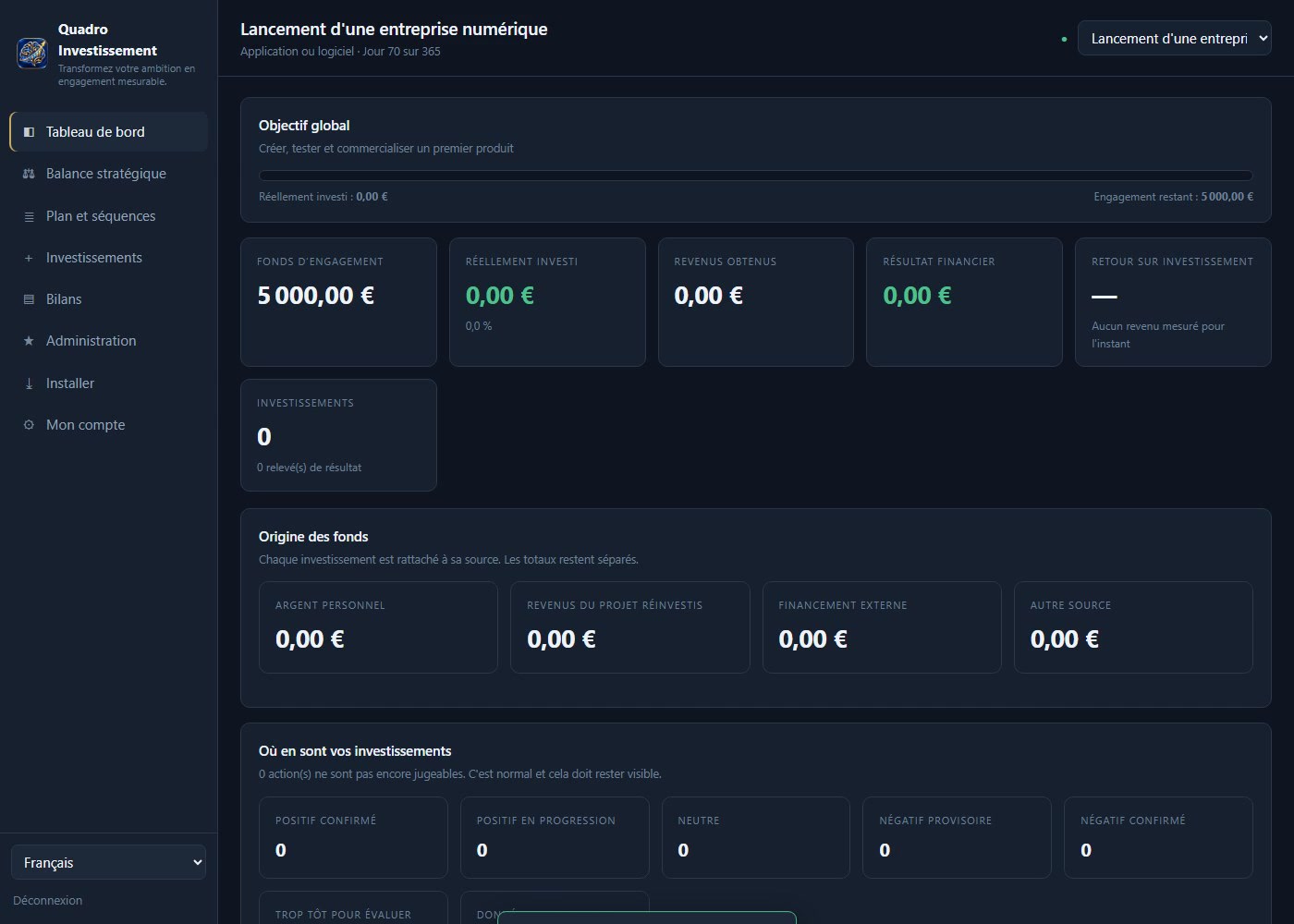
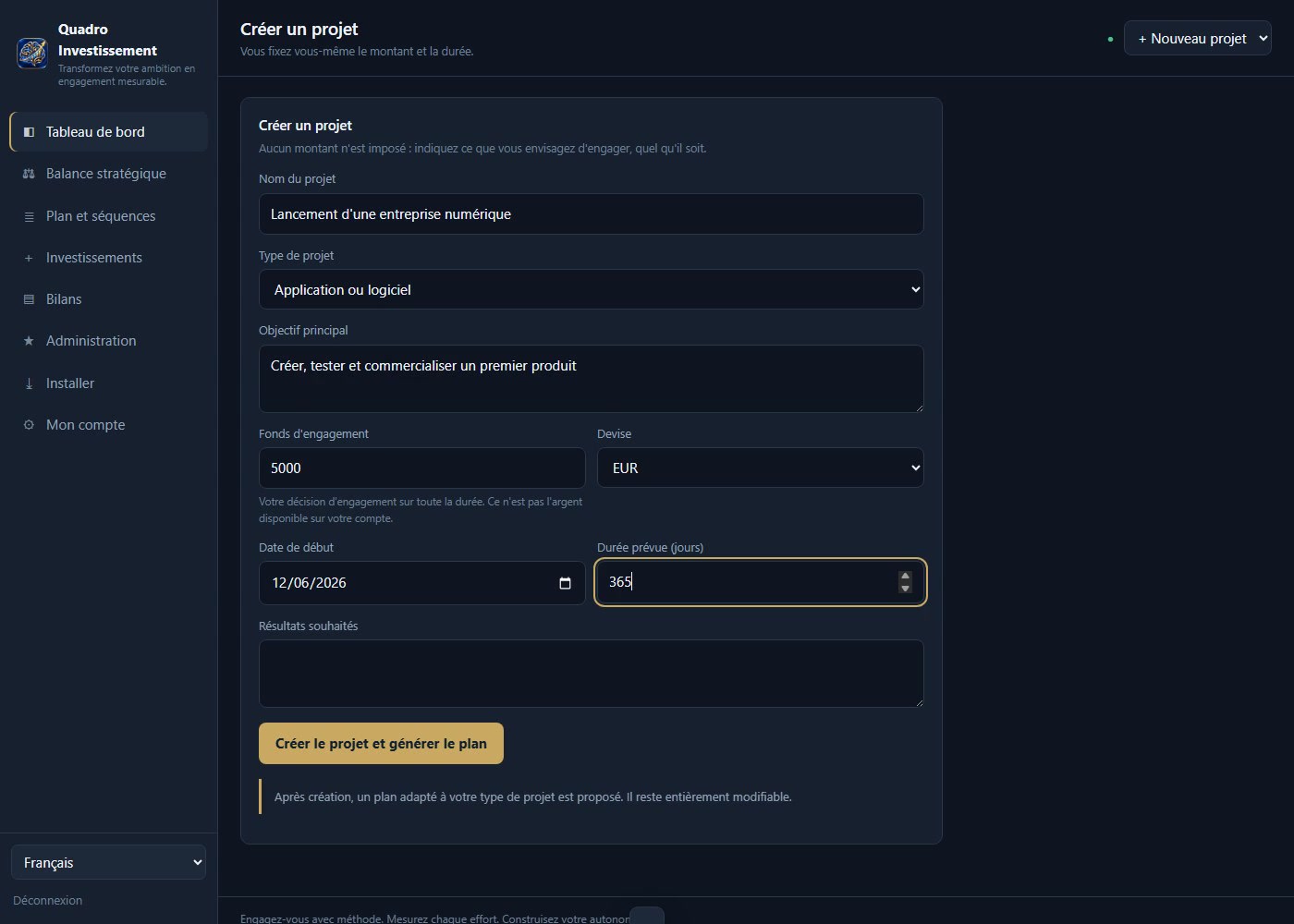
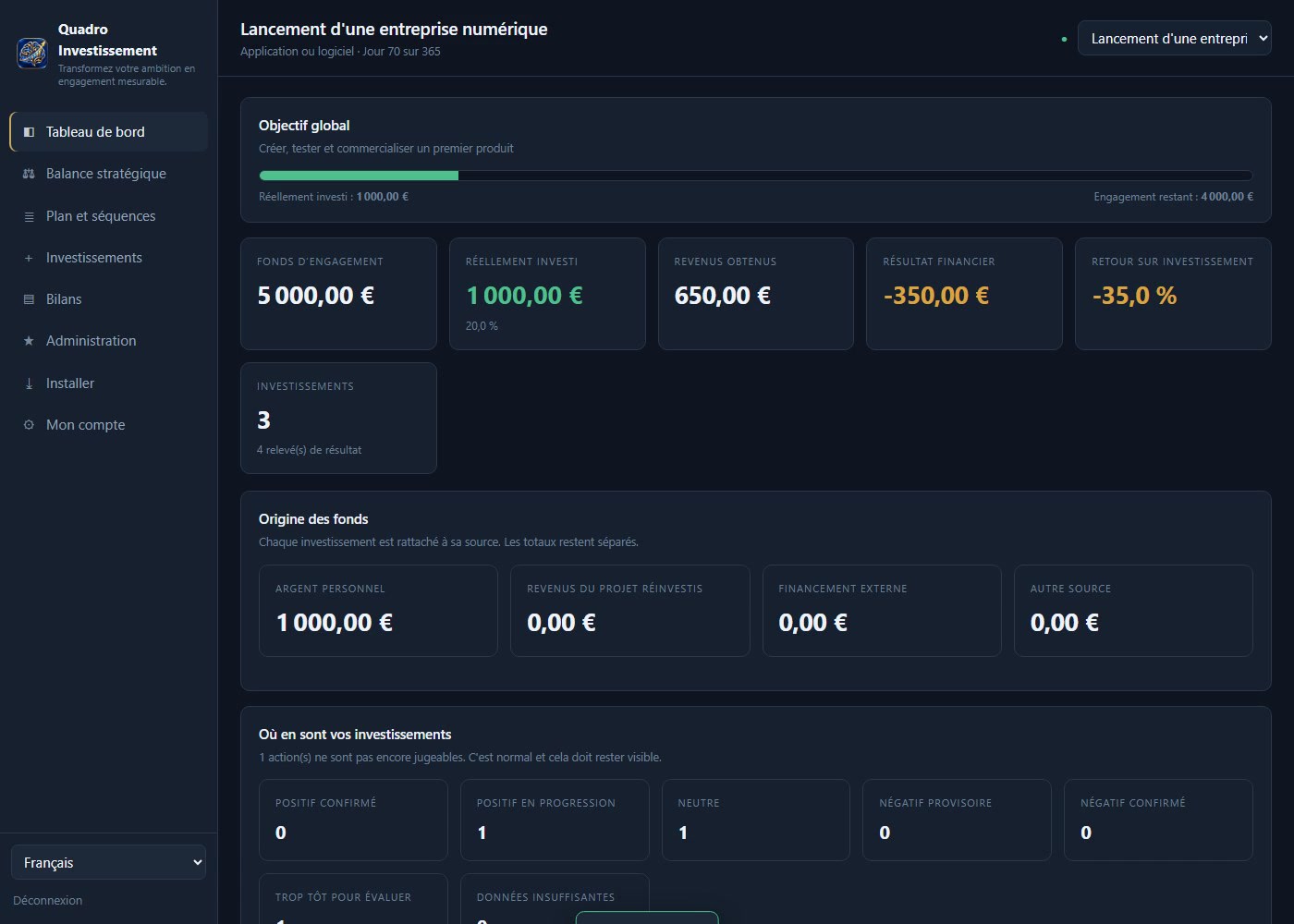
You declare a commitment fund: the total amount you decide to
allocate to a project. This is not the money available in your account, and the app never
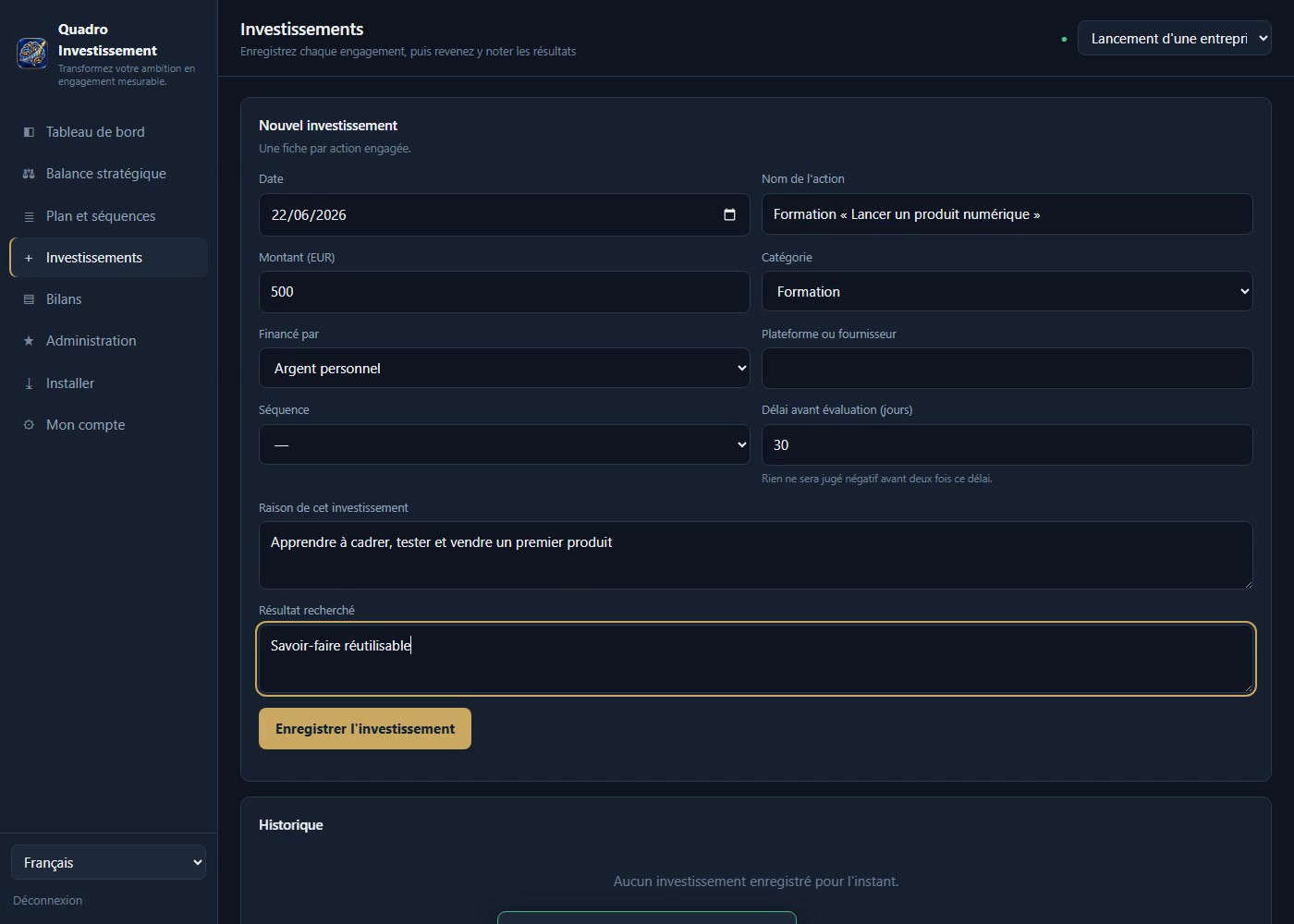
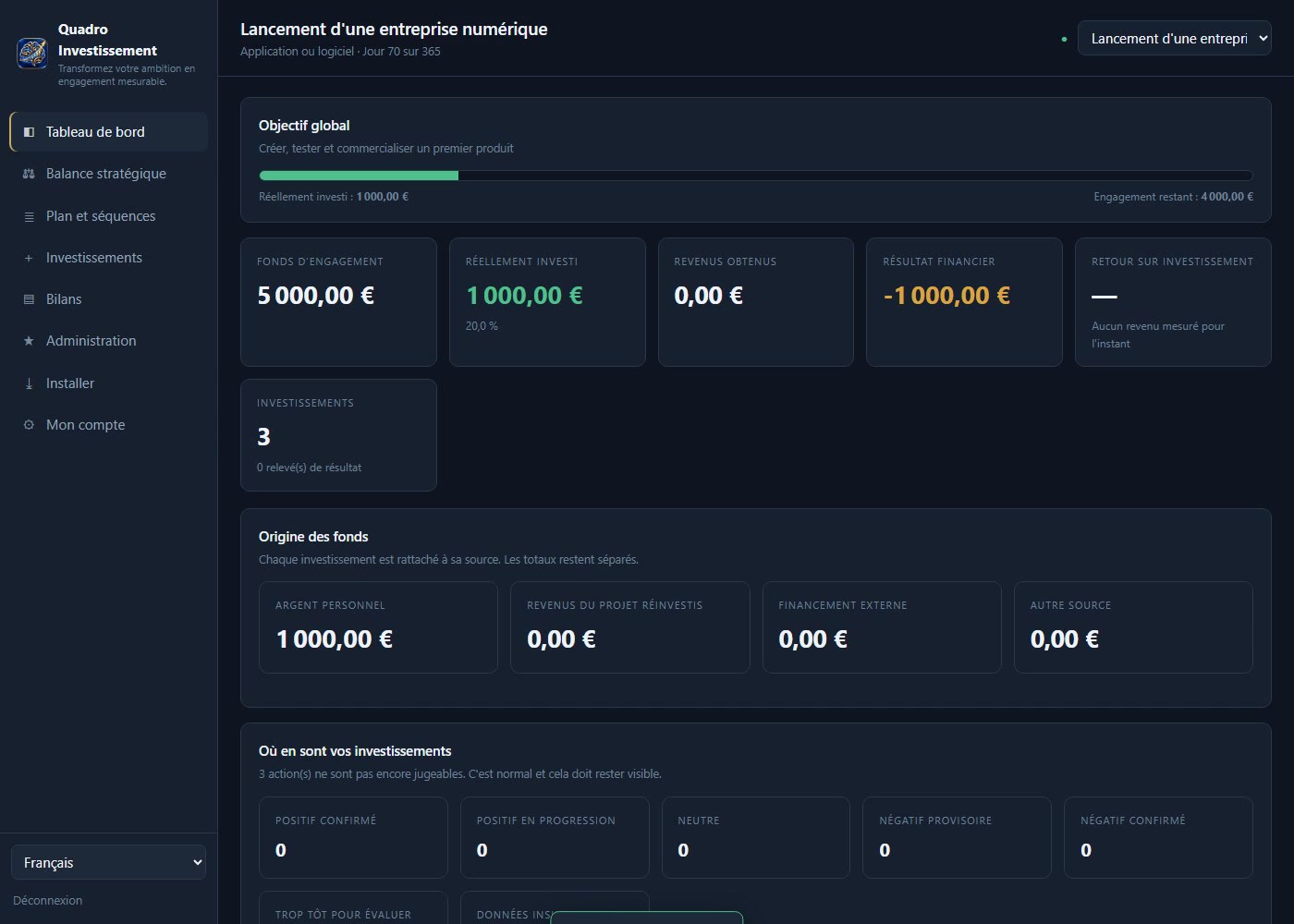
claims otherwise. Every time you actually invest, you record it,
and the app recalculates how much remains to be committed.
The problem this solves
A €5,000 project seems out of reach when you only have €500. You wait, and the wait lasts for
years. With a commitment fund, that €500 becomes the first tangible step on a journey
toward €5,000—not just another failure. The app always distinguishes between two figures that are often confused
: what remains to be committed and what your investments
have yielded.
Key Features
- Commitment Fund and Remaining Commitment — recalculated with each investment
recorded, never before. - Investment Summaries — date, amount, category, platform, source of
funds, reason, and expected outcome. - Performance reports —money earned on one hand, and non-
financial benefits on the other (skills acquired, visibility, time saved), rated on a scale of 1 to 5 and
never converted into euros. - Honest analysis —seven states, including “Too early to assess.” Nothing is
deemed negative until twice the timeframe you yourself announced has passed. - Manual correction — you may override the automatic analysis, but a
written justification is required, and the original calculation must be retained. - Step-by-Step Plan — a breakdown tailored to your project type is
provided, and can be fully customized. - Strategic balance —what you give, what you receive, what remains
uncertain. - Source of funds —personal funds, reinvested earnings, external financing:
The totals are listed separately. - Synchronization between devices with conflict detection, a history of
changes, a complete export of your data, and the ability to delete your account at any time. - French, German, and English, and offline functionality once
the app is installed.
Who is it for?
For anyone starting something on their own: a freelance business,
a book, a store, an app, a prototype, or a nonprofit. For those who work
hard without knowing where their money is going, and who want to track their spending instead of guessing.
What It Is Not
Quadro Investissement is neither a financial service, nor investment advice, nor a promise
of profit. It is a planning and monitoring tool. It doesn’t create money for you: it helps you
make decisions, track progress, measure results, and make adjustments.
System Requirements
- Windows 10 or 11 with the latest version of Microsoft Edge, Google Chrome, or Brave.
Also works on macOS, Android, iPhone, and iPad. - An internet connection is required for synchronization. You can still view the information offline.
- No special hardware required, no third-party software installation, about 1 MB of space.
Installation on Windows
- After your purchase, open the app at
and create an account using the email address you provided when placing your order: your Pro license will then activate
automatically. - In the browser's address bar, click the install icon (a screen with a
downward-pointing arrow), then click Install. - Windows places the icon on your desktop and in the Start menu. The application then opens at
in its own window, without an address bar, just like any other installed program.
If you create your account using an address other than your billing address, simply enter the
license code you received with your order in " My Account."
Version and Terms
Version 1.0 — first commercial release. Publisher: QuadroSysteme,
Ismael Soulemane.
The license is personal, lifetime, and subscription-free: a one-time payment, no
renewals. It grants access to the Pro plan for one account. Your data belongs to you:
You can export it at any time and delete your account, which permanently deletes your
projects. App updates are included.
Support
Please email ia@quadrosysteme.fr and include your
order number. You will receive a response within two business days.
Planning and monitoring tool. No financial results are guaranteed. Invest on
only the amounts you can afford to lose.






Reviews
There are no reviews yet.